
Author: jac_rod
-
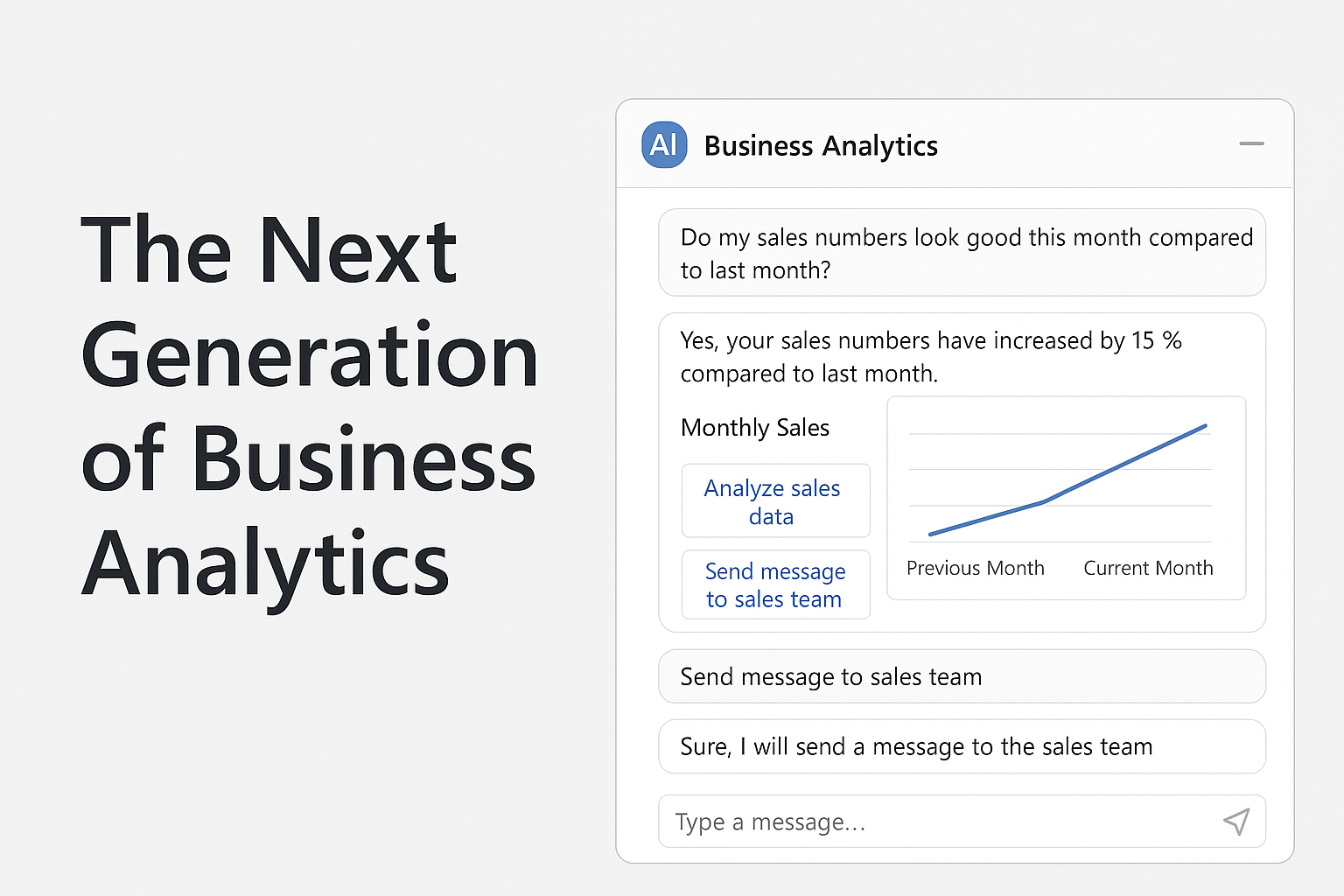
What does the future look like for business intelligence?
For years, business intelligence has been synonymous with dashboards. Rows of charts, filters, and KPIs that require interpretation and follow-up. Tools like Power BI and Tableau helped us go from raw data to insights, but the final step has always rested on the human: make a decision, take an action, push forward. I think that’ll…
-
Easily filter by Multiple Values in a Single Column in Power BI
Here’s another one that popped up from someone looking for Power BI support at Tapestries Group. I’ve also run into this at Dynamics User Group a number of times, so here’s a couple of approaches The problem – a delimited column with multiple values Let’s say you have this data: You want to filter for…
-
How-to use Azure maps paths and points in Power BI
Overview Had someone reach out to my Tapestries Group asking how to use Azure the paths feature of Azure Maps. Their specific request was to have a map that had both paths and points layered on top of each other. How to build the data This was pretty straightforward to do. The data set for…
-
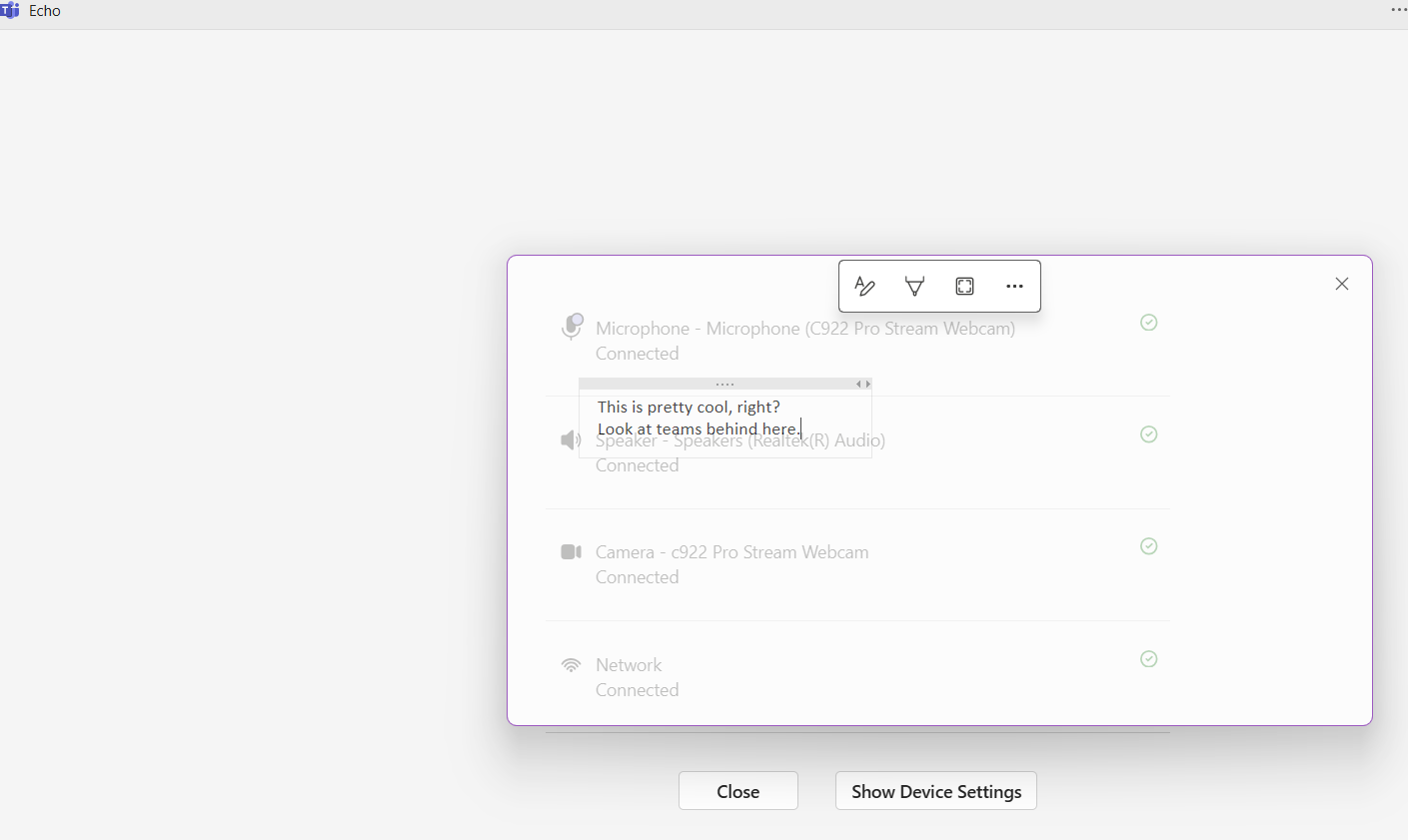
Making my OneNote window semi-transparent
I have two monitors, but I don’t like moving my head around. Especially when I’m on a Teams call – I like to have OneNote available to take notes, but don’t like not being able to look at someone and see them when I’m taking notes. Switching back and forth using Alt+Tab is annoying. What…
-
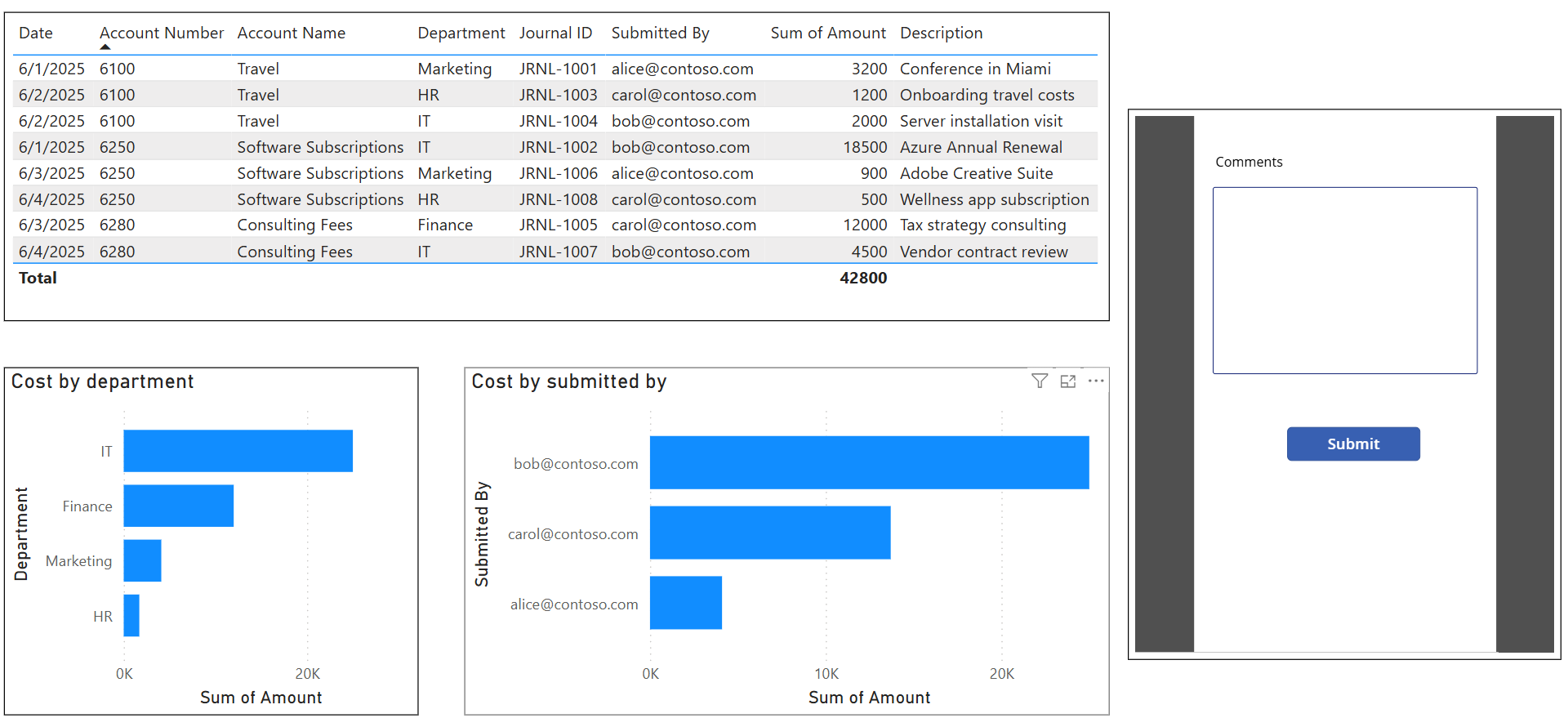
How to add comments to financial statements in Power BI
I wrote a post about how to use Power Automate and Power BI together. It’s pretty cool, but I also want to be able to add some free text to the Power Automate directly from Power BI. One approach would be to use Teams and send myself a responsive card with a request for comments,…
-
How to filter a Power BI report on YTD data
This post will be relevant to you if you are using Power BI to calculate utilization like I referenced in a past post. This particular report has a separate date table, and I like to display the data by putting the start of month value in the columns of a table. Sometimes, though, I run…
-
Create CSP Azure subscriptions using PowerShell in 4 easy steps
If you’re a Microsoft partner, and you want to create Azure subscriptions using PowerShell for CSP customers, here’s the post for you. Prerequisites Install the Partner Center PowerShell module The Partner Center PowerShell module lets you do a lot of things; manage your Partner Center account, create new customers, and even create new licensing orders…
-
10 things I’ve done with the Power Platform
As you may have seen from some of my recent posts, Power Platform is a wide umbrella that covers a number of Microsoft Business Applications products. Here’s some things that are related to the Power Platform that I’ve done in the past: Personal Power BI reports Power BI is an awesome tool when building a…
-
How to filter and sort systemusers in Power Apps
Just a short one today. I had a combo box in Power Apps that was connected to the Users table in Dataverse. All those users with the # symbol are annoying. Also, I wanted to sort the results by name. Expression to filter and sort systemusers in Power Apps As you can see above, there’s…
-
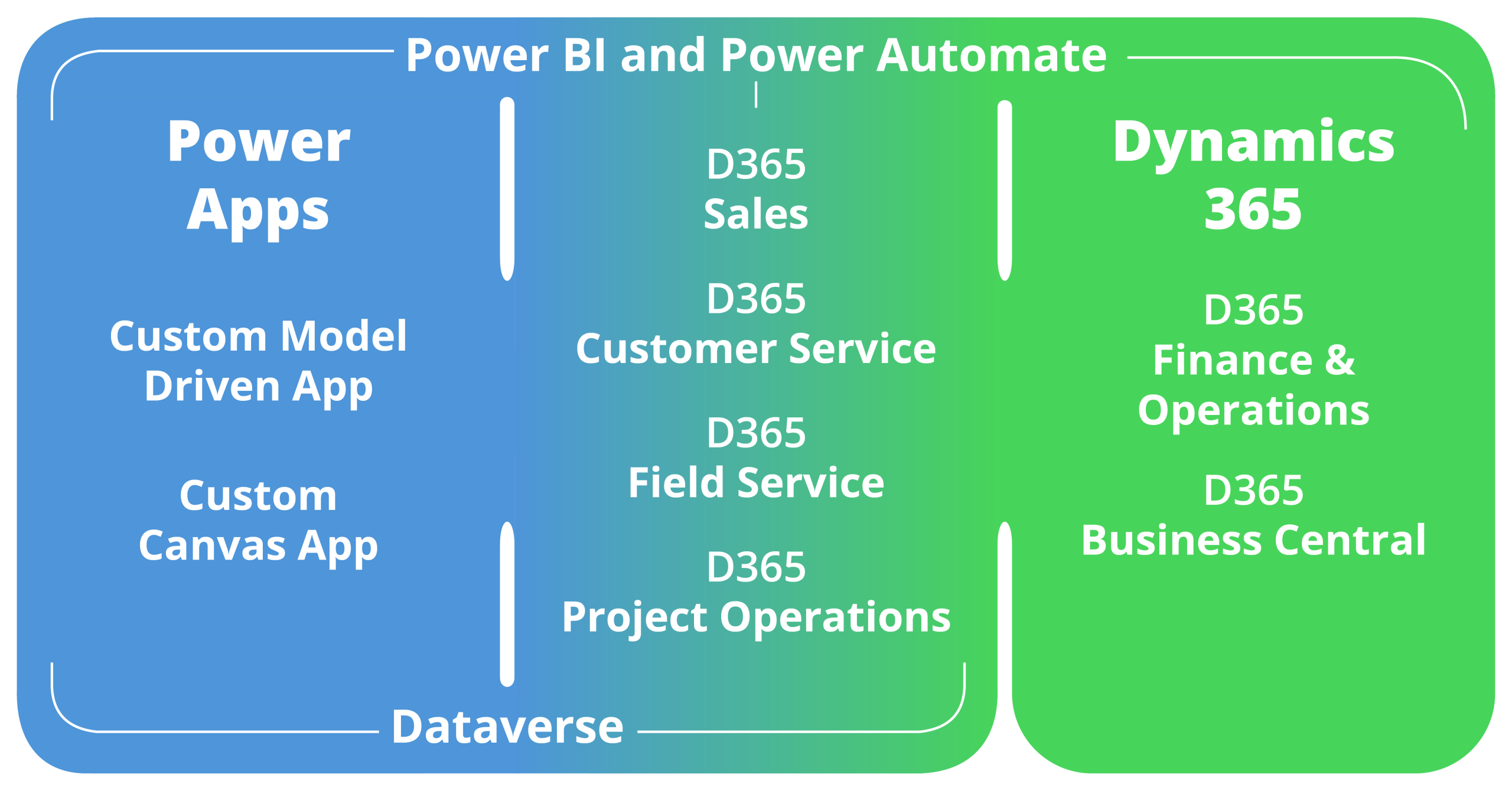
Power Platform and Dynamics 365 explained
I wanted to find a little explainer for someone about what Power Apps are and what Dataverse is and how Dynamics 365 plays into all of it, but I wasn’t able to find what I wanted so I decided to write something on my own. The current Microsoft Business Applications landscape This is the way…