
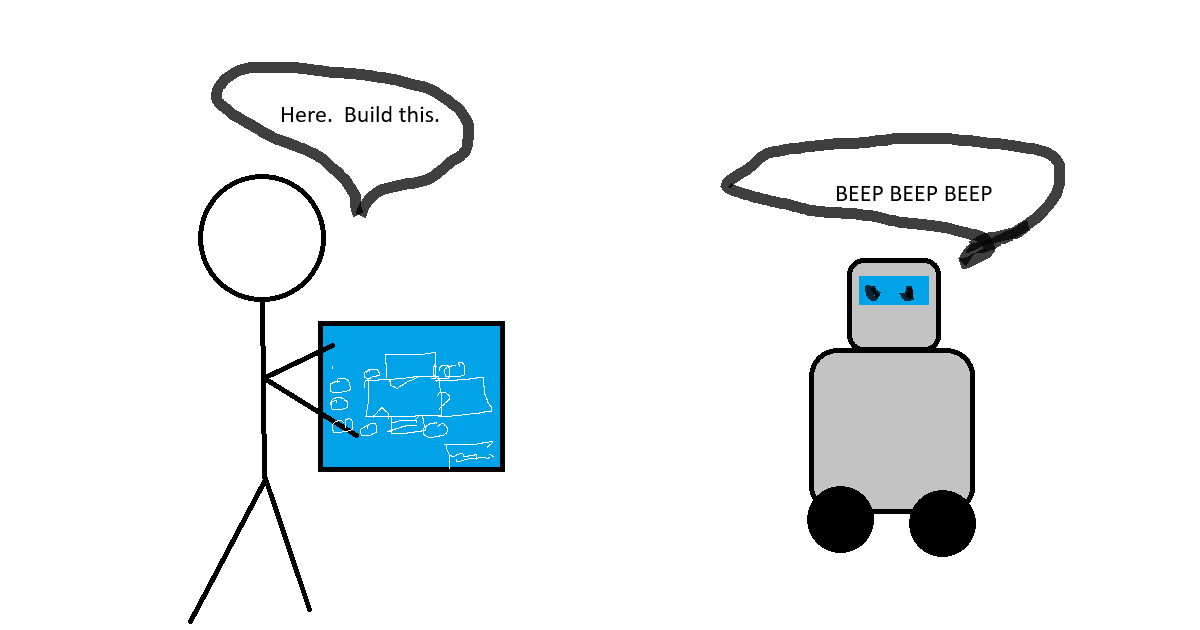
As I mentioned in previous post, Claude Cowork is more of an assistant than just a chat interface. Behind the scenes, Claude Cowork actually spins up a little sandbox container within which it can read and write to files, execute code, and access skills and connectors.
What is Claude Cowork?
Claude Cowork is Anthropic’s agentic AI assistant. You point it at a folder, ask it to do something, and sit back and wait for it to work.
To get started with Claude Cowork, follow these instructions. After you’re done with that, come back here.
A practical example: building a fictional company
Here’s a simple example. In starting this blog series, I need a fake company. I want Claude to know about this company because I’m going to want it to build demo data and a story for me when I generate sample files.
Setting up a project
First step was creating a new Project in Cowork. Projects can be used to keep data, context, and instructions all isolated from each other. By using a new project for this, any time I ask for a “sample purchase order” or a “memo written on company letterhead”, Cowork will know to use the context, instructions and files in this folder instead of asking me for the same information each time.
Generating the company background
Once the project was created, I created a new task in the project and asked Claude to build me the background of a fictional manufacturing company.
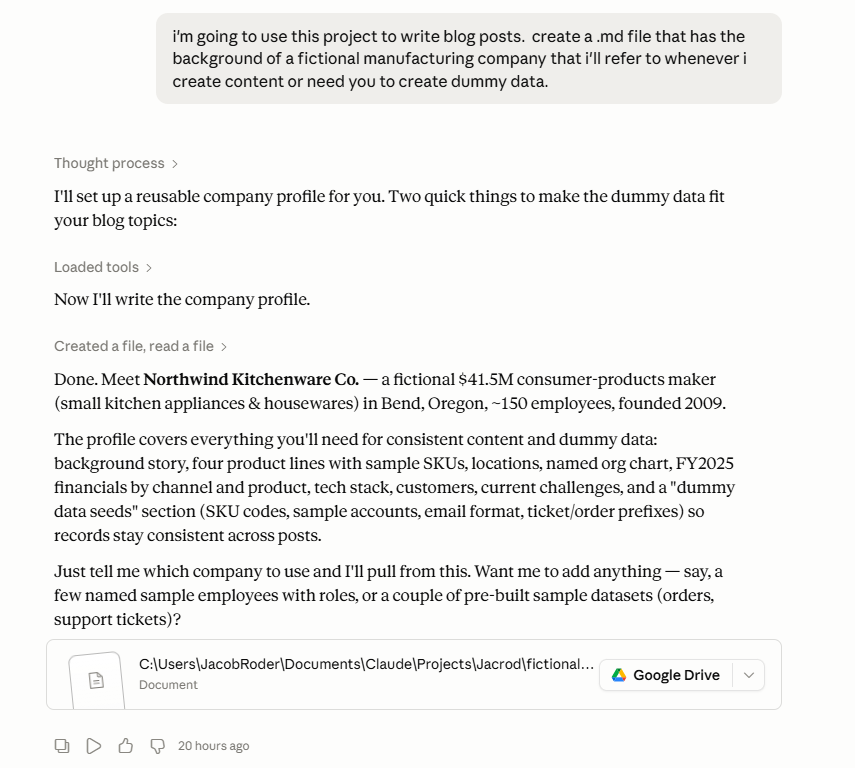
I asked specifically for an .md (markdown) file, because Claude seems to prefer to work with those. Let’s take a look at what it generated.
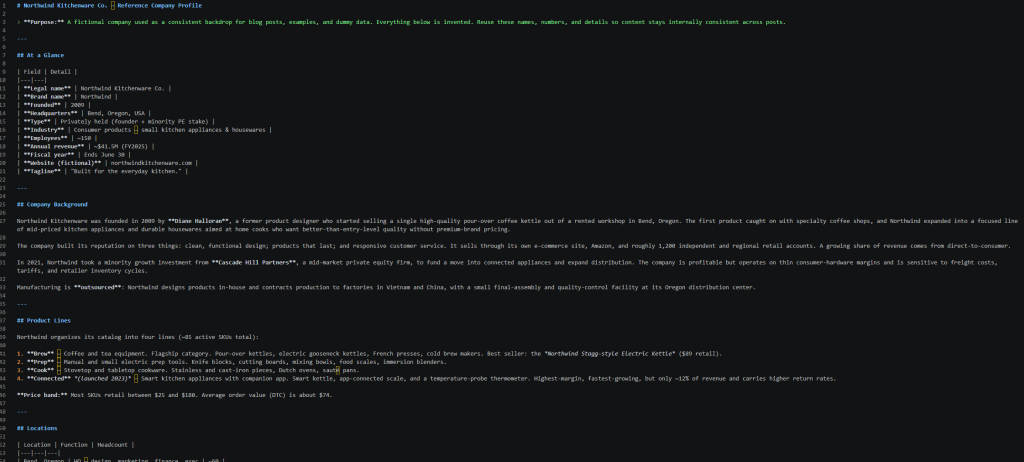
This file, while not initially perfect, persists and therefore can continue to be either manually edited for improvement or used by Claude to keep a running history version of the story.
Working on this kind of thing more broadly? Here's the rest of what I've written about putting AI to work.
Why use Cowork instead of just asking Claude?
The benefit of using Claude Cowork to build this and not just asking Claude is it will create the file for you and save it in your project folder.

These files can then be refenced when creating additional documentation – this will help keep my demos and examples consistent.
Pro Tip. Lock it into your project instructions
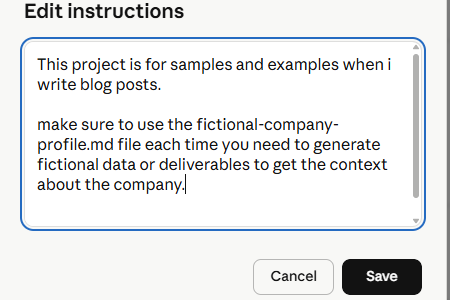
Although Cowork will probably determine it should look at this file whenever I ask for sample data or deliverables for fictional projects, I’m going to also make that check mandatory in the project instructions.
If you want to start at the beginning, here’s a link to the original post:
What are Claude, Claude Cowork, and Claude Code?
As always, hit me on LinkedIn if you want to chat.
And if you’d rather skip the trial and error, get projects, context, and guardrails set up properly for your team the first time, that’s the work we do at Tapestries Group.
Leave a Reply