
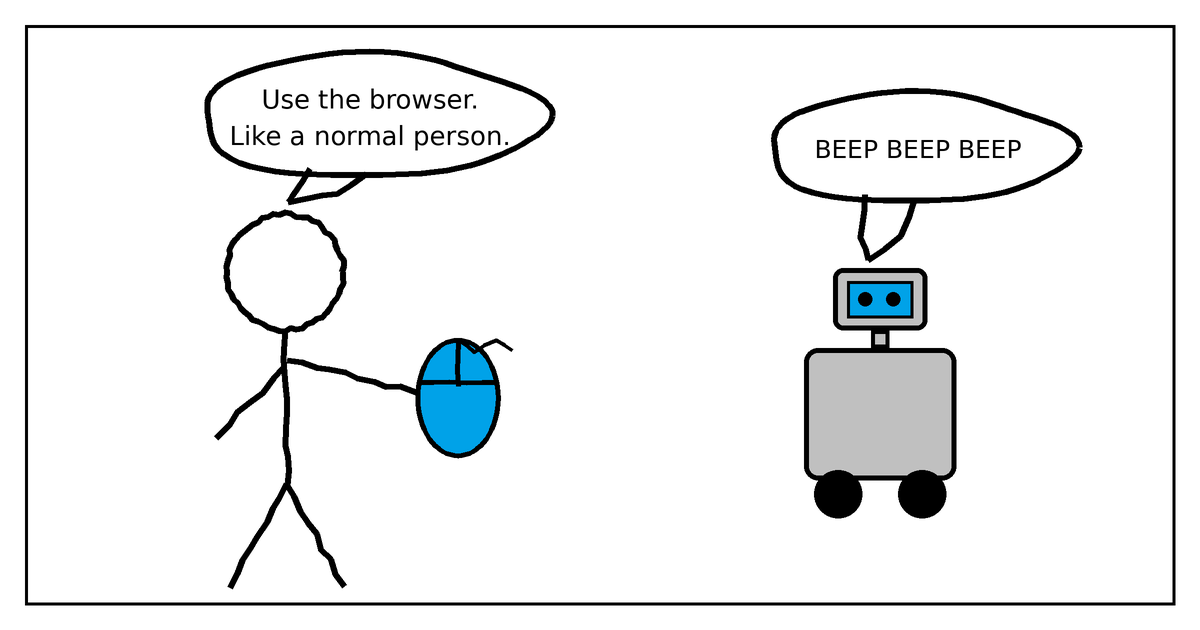
I’ve been trying to get AI to help me run jacrod.com for a couple of years now. It took three tries to land on something that actually works, and the thing that finally worked is not the thing I expected.
Here’s the whole progression, including the parts that failed.
Attempt one: have it write me Elementor templates
This was a year or two ago. I’d ask Claude or ChatGPT to generate an Elementor template that I could then import into a WordPress page.
It did not work great. What came back was close enough to look promising and broken enough to be useless. I’d spend more time fixing the import than I would have spent just building the page myself.
Attempt two: install Claude Code directly on the WordPress server
This worked better. Claude Code sitting right on the server, with real access to the files.
The problem was what it preferred to do. Left to its own devices, Claude wrote raw HTML and CSS. It didn’t want to use Elementor. It didn’t want to use the Gutenberg editor either. So making changes through Claude was great, but going into the WordPress editor afterward to change something myself was not great at all.
I ended up with pages only Claude could maintain. That’s the opposite of what I wanted. If the AI is the only thing that can edit my site, I haven’t automated anything, I’ve just added a dependency.
Attempt three: Claude Desktop driving the browser
This is the one that works.
Instead of giving Claude the files, I give it the browser (either the Chrome extension or the built-in browser) and let it use my WordPress admin the same way I would. Point, click, type.
It works pretty well. I can tell it to use Elementor and it will actually go find Elementor, create templates, and build pages using the correct Elementor blocks. And because it’s building things the normal way, through the normal editor, everything stays easy to maintain when I want to go do something myself that has nothing to do with Claude.
That last part is the whole reason this approach won.
Working on this kind of thing more broadly? Here's the rest of what I've written about putting AI to work.
What I’ve actually had it do
A sampling from the last little while:
- Search Console research. I’ve had it open up Google Search Console, click through the reports, read the charts, and interpret the performance itself, and then go back and update the pages to lean into the keywords they’re already ranking for.
- H1 audits. Went through every page on the site and made sure the H1 headings were set correctly.
- Template reorganization. Restructured my templates into a more logical reading order.
- Cross-linking. Made sure posts actually link to each other.
- Accessibility. CSS updates to make the site more accessible.
- Consistency. Reviewed formatting, headings, and subheadings, and made them match across the site.
None of these are hard. All of them are the kind of thing I would never get around to doing by hand.
Sonnet does the work, Opus does the design
In the past, I haven’t noticed a huge difference between models. On these tasks, however, the model matters.
For actually doing the work – like clicking through and making the changes – Sonnet with high thinking works pretty well. It’s fast and it’s accurate and it doesn’t overthink a checkbox.
Design is a different story. If I’m asking Claude to come up with a new layout, change the design, or update a color palette, Opus is much better. It comes up with more creative ideas, and more importantly it gets rid of that Claude boilerplate look. You know the one, where everything comes out looking like it was stamped out of the same AI template. Opus seems able to make its own design decisions that feel custom, or at least that fit the site instead of fighting it.
TLDR – Sonnet for execution, Opus when I need it to actually have taste. I get better results that way and it’s worth switching.
Where I’d start if you’re doing this
If you’re going to try this on your own site, skip straight to attempt three. The lesson from the first two is the same lesson: the goal isn’t to let AI build your website, it’s to let AI use your website builder. Those are very different outcomes, and only one of them leaves you with a site you can still edit on a Tuesday afternoon without opening a terminal.
Hope this helps!
(If you’re trying to figure out where AI actually fits in your own operations that’s most of what we do at Tapestries Group.)